

Let’s have a little chat about how Canva is potentially the greatest teaching resource ever created.
I love to create learning materials for my classes, and as much as Microsoft Word templates rocked the previous century and Google Docs rocked the previous decade, Canva is blowing up the world of classroom content creation.
A few weeks ago, I started seeing promoted posts on Instagram teasing that teachers could get Canva certified. I figured it was probably one of those certification courses behind a paywall created by a third party to capitalize on Canva’s success.
But no.
After seeing the post several more times (probably that magical seven times they teach in marketing courses), I decided to investigate.
It turns out the course really is a part of Canva’s Design School. There are seven lessons, complete with tasks to teach you how to maximize Canva in creating classroom and communication resources. You could speed through the videos and skip the tasks, but that would be like racing through Mario without collecting the gold coins.
Can you fly through the mandatory modules and pass the test? Maybe. But that would be seriously short-sighted.
The course content is a trove of gold nuggets allowing you to fly through original content creation, crafting materials for the students sitting in your classroom this year. These tools make customization SO easy.
You can save a ton of time and money (buh-bye, TpT) when you learn how to maximize the full range of teaching tools in the Canva Teacher Essentials course.
Among the gold nuggets you’ll acquire is the magic of turning PDFs into editable documents. Another is translating copy into multiple languages. And magically making a worksheet from a webpage or a poster from a worksheet. You’ll find out how to create and assign content from your Canva resources that will integrate with your school’s LMS. Your students can collaborate with each other, and you can give feedback at all stages of the process on Canva. And the AI tools can even help you brainstorm lesson plans, draft quizzes, and write assignments.
It’s a mile-high pile of gold!
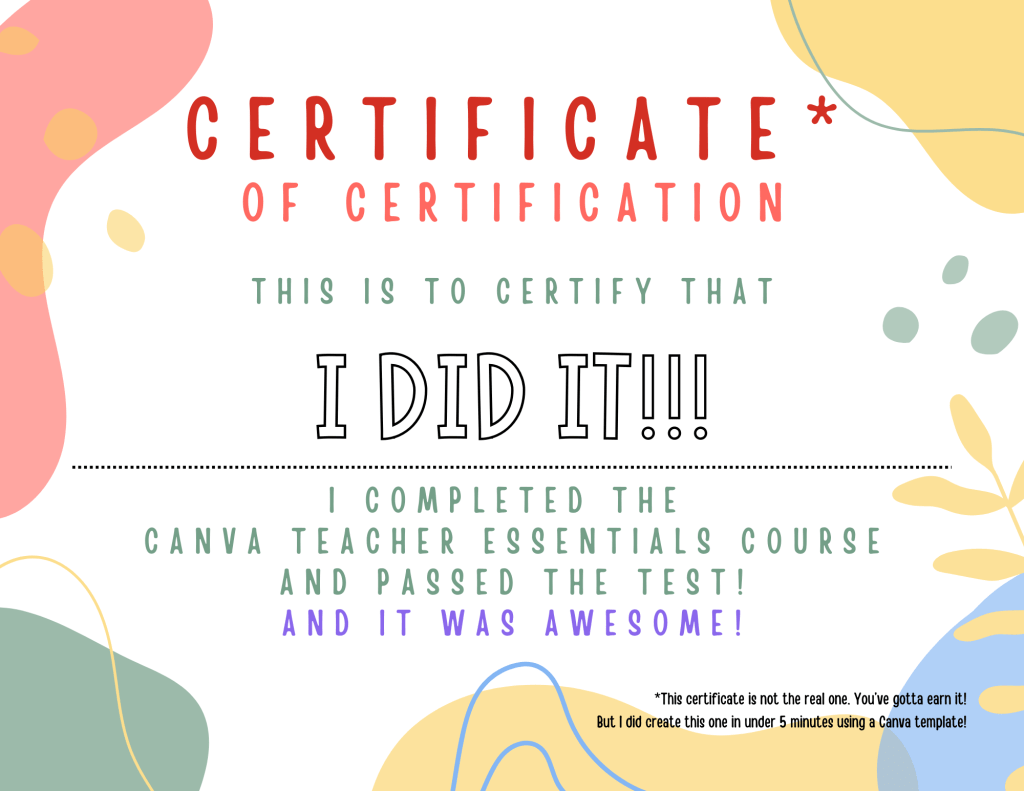
Two things you need to know before jumping out of this blog and onto Canva: first, you have to have a Canva education account to complete the course, and second, I saw somewhere that there was a badge, but I haven’t seen it appear in my inbox yet. I took the course about a week and a half ago. I did get a handy dandy certificate that I could post on LinkedIn, though!
If you’re an educator who takes the course, come back and let me know in the comments what you think was the most valuable skill you learned.

 Always Learning HQ